How to Find and Check Out a Book
To find and check out a book from Morris Library, follow these steps:
- Locate the book using DELCAT, our online catalog.
- If the book is located in Morris Library, you will see a blue FIND IT button. Click this button to show the floor and shelf location.

- Alternatively, use the first letters of the call number (in parentheses next to the location) to find the book in the stacks using the Library Floor Plan maps, which include details for which call number ranges are on each floor of Morris Library.
- Retrieve the book from the shelves.
- Take the book to the Help Center to check it out with your University of Delaware ID card. You can also use the Self-Checkout kiosk on the first floor of Morris Library.
If you need any assistance, the staff at the Help Center will be happy to help.
Streaming Media and Video
See our Library guide to all streaming media and video available online, including subscription media databases available to current University of Delaware students, faculty and staff. To use these databases, you may be prompted for your UDelNet ID and password.
Find Streaming MediaSpecial Collections and Museums
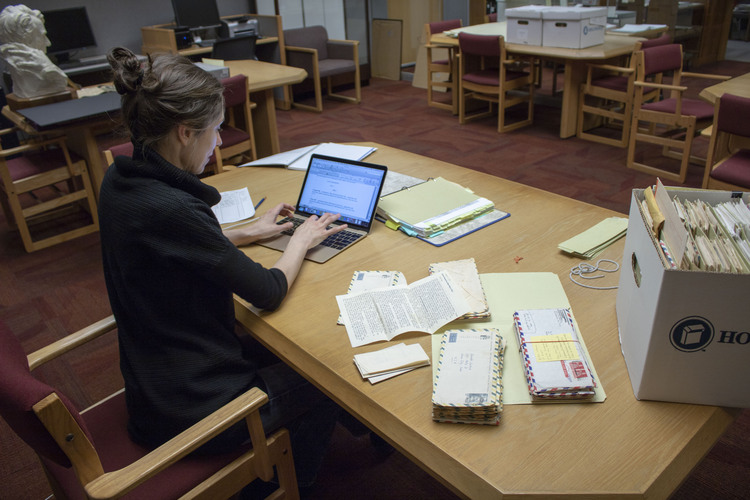
Special Collections and Museums support research of primary sources, rare books, artwork and other materials. Our exhibitions and galleries are open to students, faculty, staff and the general public free of charge. Come visit during our operating hours or register for one of our many events.
Find Special Collections Resources