


About this Space
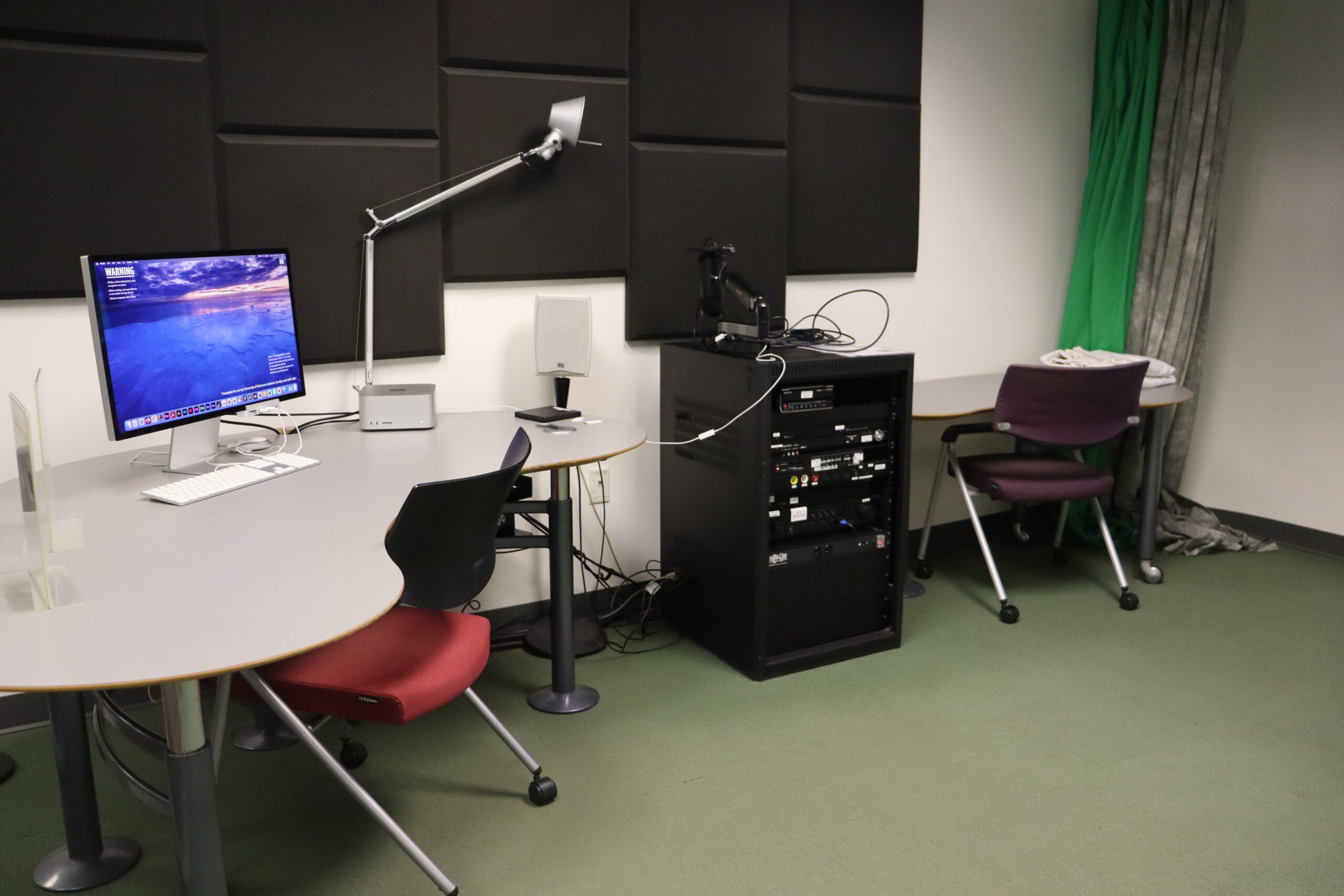
Data and Design Studios 3 and 4 are equipped with video and audio equipment to support the creation of video and audio content. Here are a few examples of projects you can work on in Studio 3 and 4:
- capture and editing of videos
- recording of studio-quality audio with a mounted USB mic
- screen and audio capture with OBS (Open Broadcaster Software)
- music creation with Logic Pro
- practice presentations with the large SMART display
- Shoot film or video in the space using the built in studio lights and backdrops.
Apple Mac Studios computer with Apple M1 Max chip, 32 GB of Memory, 27″ Apple Studio Display monitors with built in webcam / SMART flat-panel interactive whiteboard / JBL sound system / Blue Yeti USB mic with Ultima Mic Arm / HXR-NX70U camera / OBS software / Logic Pro software / Adobe Creative Cloud / 4 studio lights / White, Green and Grey backdrops
A full list of software available in Studios 3 and 4, and throughout the Research Data and Design Commons, can be found on the Software Page.