
Adding Music to Podcasts in Audacity
This post originally appeared in the Multimedia Tips and Tricks blog (SMDC), which was reorganized into Research Tech Tips as of September 2025. The services described in this article are still available through the Research Data and Design Commons (RDDC).
Text and video by Ellie Parcells, Education Resource Center and Student Multimedia Design Center
Say you’ve started your own podcast using the program Audacity and would like to give it more pizzazz so it will stand out from the crowd. What can you do? Well, adding music is a great place to start!
Whether it be adding intro and outro tunes or a backing song that accompanies your voice throughout the entire podcast, music is a great way to give your podcast an extra level of flare. Adding music to complement rather than to compete with your voice is not always the easiest, though.
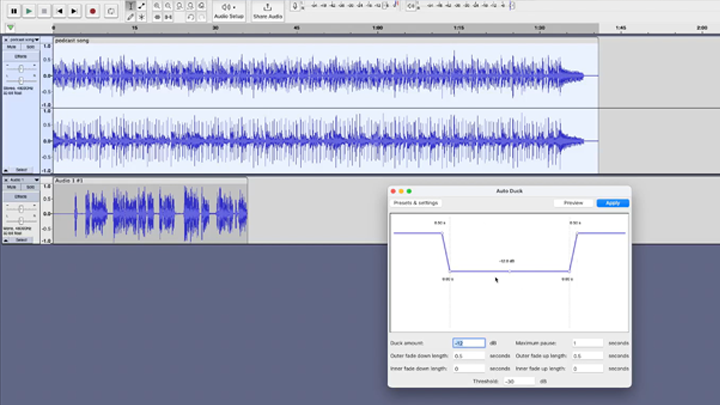
In this video, you will learn how to import music into your Audacity project as well as how to trim or edit your music so that it fits perfectly into your podcast.
Audacity, along with a variety of other audio recording and editing programs, can be found on the computers in the Student Multimedia Center in Morris Library. Stop by and try it out!