
Adjusting Tempo and Pitch in GarageBand
This post originally appeared in the Multimedia Tips and Tricks blog (SMDC), which was reorganized into Research Tech Tips as of September 2025. The services described in this article are still available through the Research Data and Design Commons (RDDC).
By Ellie Parcells, Education Resource Center and Student Multimedia Design Center
Recording your own music can prove to be a viable and creative option if you want to add unique intro tunes or royalty-free music to your multimedia projects, but it isn’t without its challenges. Instruments are difficult to keep in tune during long recording sessions and nailing full takes can prove to be a Herculean task for even intermediate-level musicians.
If only there were free tools that could help with these issues and make the recording experience friendly and stress free for even the most novice musicians…
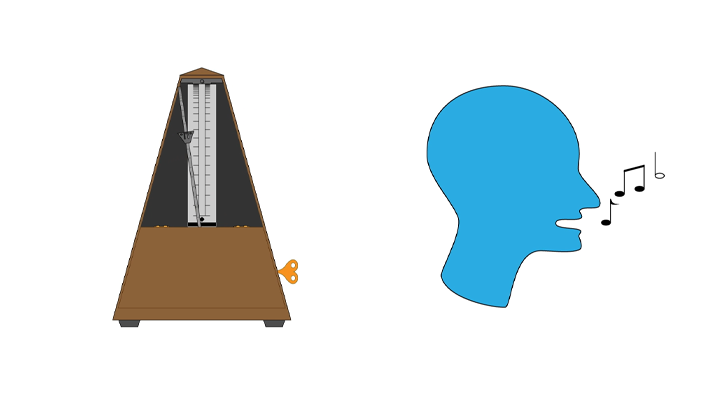
Good news! There is. With GarageBand, a free audio recording program, you can fix the tempo and pitch of your recording with user-friendly tools called “Flex Time” and “Pitch Correction.” In the video below, explore how to use both tools to fix recordings in post-production, ensuring that your music is in tune and on beat.
GarageBand is a MacOS and iOS program. At the Student Multimedia Design Center, you can access GarageBand through any of the publicly available Mac computers.