
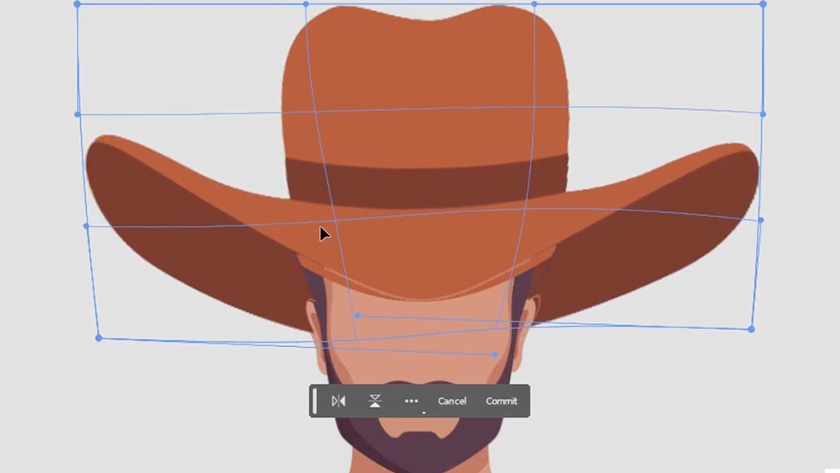
Transform Tools in Adobe Photoshop
This post originally appeared in the Multimedia Tips and Tricks blog (SMDC), which was reorganized into Research Tech Tips as of September 2025. The services described in this article are still available through the Research Data and Design Commons (RDDC).
Text and video by Jonathan Famiglietti, Student Multimedia Design Center
Have you ever wanted to flip certain elements in your image without mirroring the entire image? This task can be achieved quite easily in Photoshop using a combination of isolation techniques and image transformation tools.
In this video, we will take a brief look at isolating certain elements in your image before exploring a few of Photoshop’s image transformation tools, including “distort, “warp” and “free transform”.
If you’re interested in using Photoshop to manipulate imagery with the software’s transform tools, stop by the Student Multimedia Design Center in Morris Library where you can book time in our studio spaces or the use the iMac machines in Room B, which are all equipped with the full Adobe Creative Cloud Suite.