
Applying Effects to Garageband Tracks
This post originally appeared in the Multimedia Tips and Tricks blog (SMDC), which was reorganized into Research Tech Tips as of September 2025. The services described in this article are still available through the Research Data and Design Commons (RDDC).
by Ellie Parcells, Student Multimedia Design Center
No matter what type of track you’re working with—whether it’s a software instrument, audio recording, or guitar input—the process for adding plug-ins is essentially the same.
GarageBand offers an extensive library of plug-ins, from basic versatile plug-ins like EQs, and compressors, to more specialized plug-ins like modulators, delay effects, reverb effects, pitch adjusters and distortion effects.
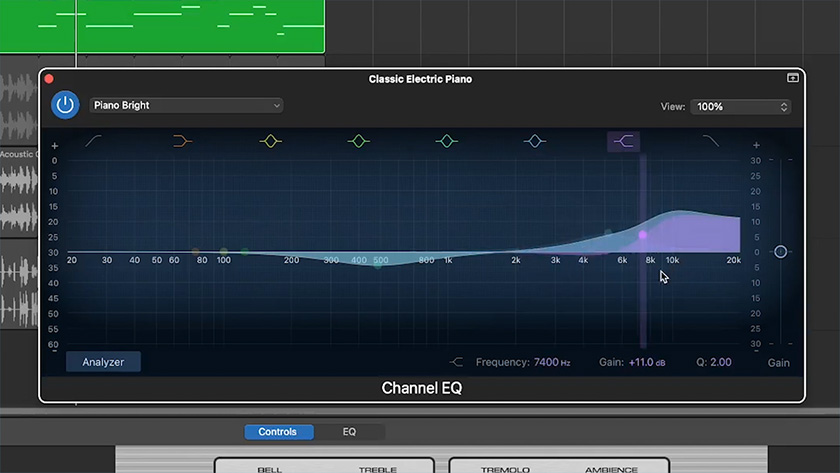
Today, we’ll walk through the basics of adding plug-ins and take a closer look at two of the most commonly used ones: the EQ and the Compressor.
Try experimenting with these effects yourself at the SMDC, where GarageBand is installed on all public Mac computers.
Thanks for watching, and happy mixing!