
How to Create an Overlay in Adobe Photoshop
This post originally appeared in the Multimedia Tips and Tricks blog (SMDC), which was reorganized into Research Tech Tips as of September 2025. The services described in this article are still available through the Research Data and Design Commons (RDDC).
Text and video by Kyle Krieger, Student Multimedia Design Center
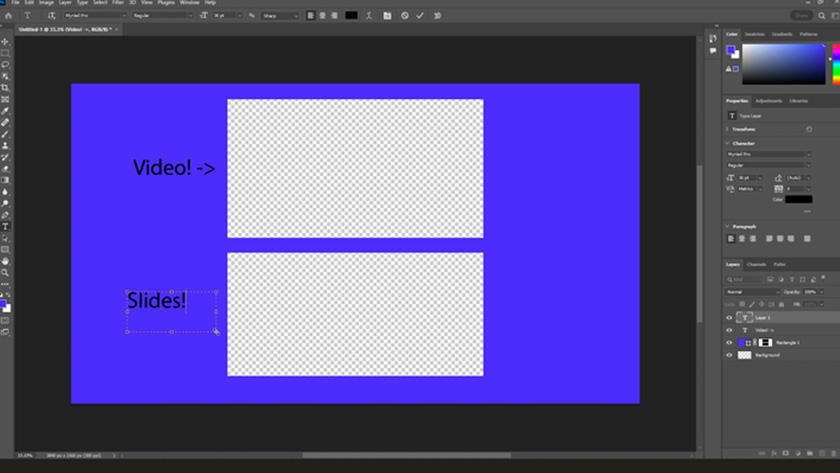
Enhance your video presentations to make them more engaging and interactive by learning how to create an overlay in Photoshop.
This is the first in a two-part series about video overlays. Follow along with the video below to learn about the process of creating a simple overlay for a video presentation in Photoshop.
Discover how to integrate the overlay into your Adobe Premiere project in part two.
In the Student Multimedia Design Center’s classrooms and studios, you can utilize Photoshop and Premiere along with the rest of the Adobe Creative Suite. Stop by and experience these staples of creative software today!
Credits: The music used in the video is “Inspiring Ambiance” from Scott Holmes Music on Free Music Archive.