
How to Create an Overlay in Adobe Premiere
This post originally appeared in the Multimedia Tips and Tricks blog (SMDC), which was reorganized into Research Tech Tips as of September 2025. The services described in this article are still available through the Research Data and Design Commons (RDDC).
Text and video by Kyle Krieger, Student Multimedia Design Center
Are you looking to organize your videos into a clean and colorful presentation? An overlay can help you achieve those goals!
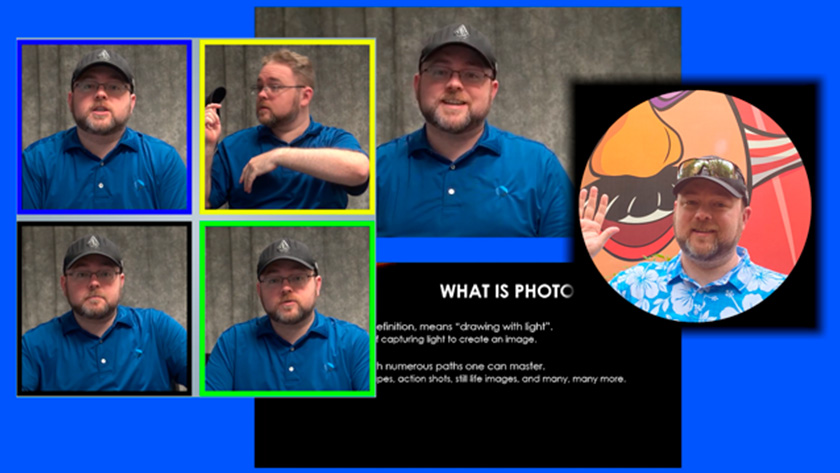
In the last of this two-part series on video overlays, discover how to add a Photoshop-created overlay to your video presentation in Adobe Premiere. If you’re not sure how to create an overlay in Photoshop, check out part one.
In the Student Multimedia Design Center’s classrooms and studios, you can utilize Photoshop and Premiere along with the rest of the Adobe Creative Suite. Stop by and experience these staples of creative software today!
Credits: The music used in the video is “Inspiring Ambiance” from Scott Holmes Music on Free Music Archive.