
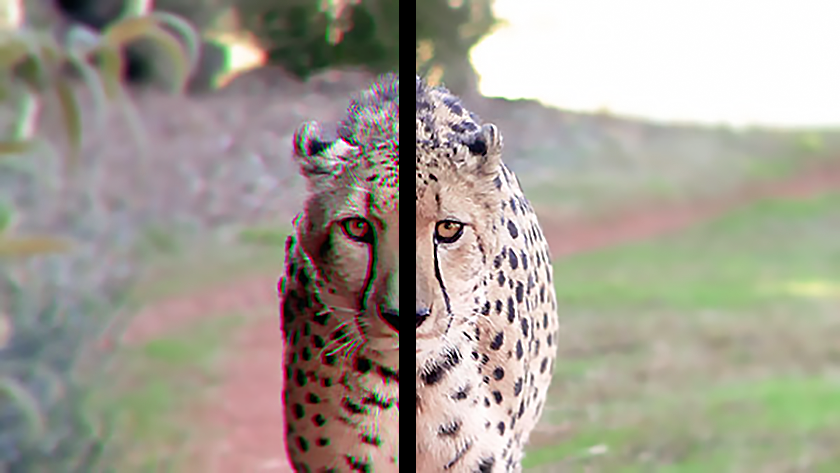
Adding Chromatic Aberration in Adobe After Effects
This post originally appeared in the Multimedia Tips and Tricks blog (SMDC), which was reorganized into Research Tech Tips as of September 2025. The services described in this article are still available through the Research Data and Design Commons (RDDC).
Text and video by Jonathan Famiglietti, Student Multimedia Design Center
While many consider chromatic aberration, or color fringing, an undesirable characteristic in photography, it can make your videos and graphics more dramatic and eye-catching when artificially added to photos, art, animations and composites.
The video below demonstrates how to add chromatic aberration to your project by using the “Set Channels” effect in Adobe After Effects to emulate the optics of a lens by resizing each color channel.
If you’re interested in adding chromatic aberration to your composition using After Effects, stop by the Student Multimedia Design Center in Morris Library where you can access computers equipped with the Adobe Creative Suite.