
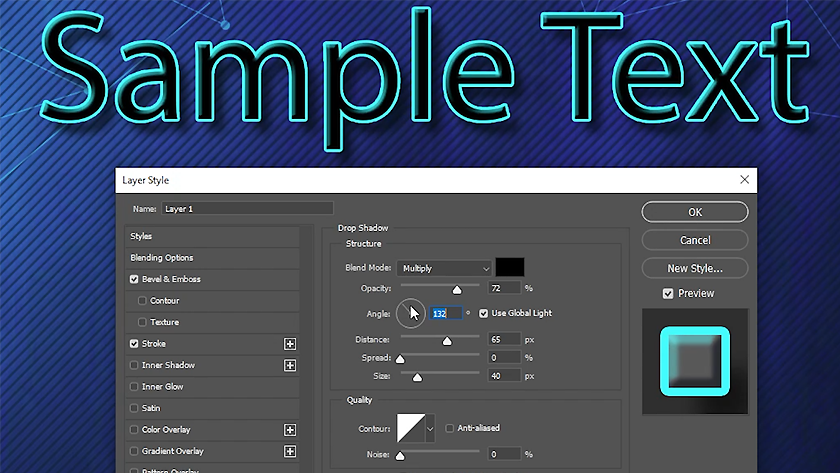
Stylize Text in Photoshop
This post originally appeared in the Multimedia Tips and Tricks blog (SMDC), which was reorganized into Research Tech Tips as of September 2025. The services described in this article are still available through the Research Data and Design Commons (RDDC).
Text and video by Jonathan Famiglietti, Student Multimedia Design Center
Creating the perfect textbox or caption can be frustrating, and you may find yourself trying to download new fonts to spice up your project. Photoshop, however, is there to help with a suite of tools built into the software called “Layer Style” that can be used to enhance the depth and contrast of your text.
The video below demonstrates how to use the “Layer Style” tools in Adobe Photoshop to improve the readability and attractiveness of your text.
If you’re interested in creating stylized, eye-catching text with Adobe Photoshop, stop by the Student Multimedia Design Center in Morris Library where you can access computers equipped with the Adobe Creative Suite.